Someone asks where to send a proposal. A customer replies to an invoice. Your application needs to send a password reset.
These are ordinary moments in a business day. Each one depends on email doing its job—and on people recognising who the message is from.
Welcome to WazobiaMail, an email platform by Bonifade Technologies. We bring custom domains, hosted mailboxes and application email sending into one workspace, so you can start with the part your business needs today.
Start with an address that carries your name
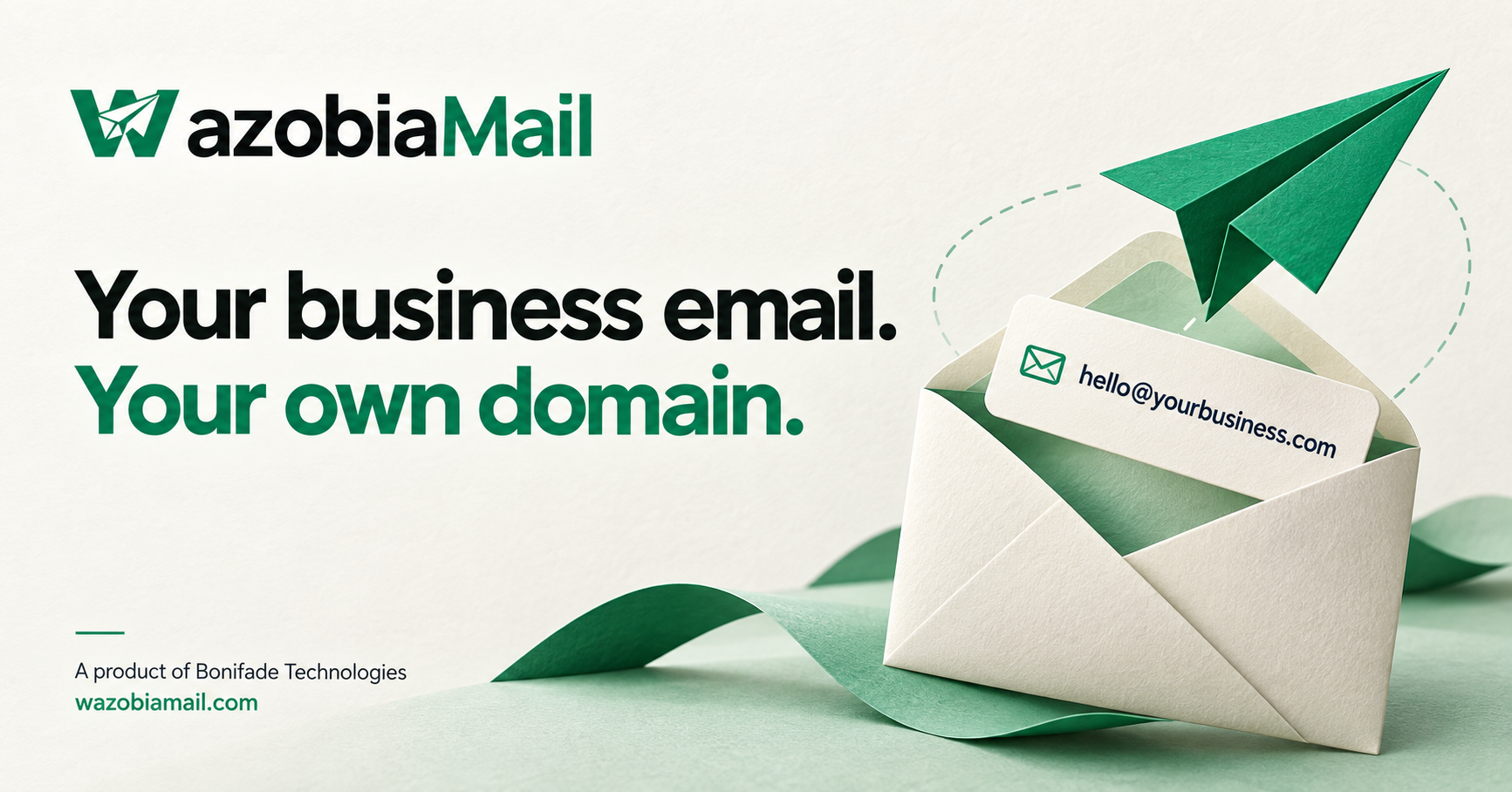
An address such as hello@yourbusiness.com gives customers a consistent place to reach you. As your team grows, you can create addresses for the people and roles that need their own inboxes.
You do not need to create every possible address on day one. Start with the inbox you will actually check. Add more when someone is responsible for reading and answering the messages.
WazobiaMail lets you manage your domains and hosted mailboxes from your dashboard. Choose a plan that includes receiving, and review its mailbox and shared storage limits before setting up your team.
Read your mail in the browser or your mail app
Your business address should fit how you work. WazobiaMail provides browser-based webmail, and hosted mailboxes can connect to compatible email clients through IMAP and authenticated SMTP.
Use the mailbox address, mailbox password and server settings provided in your dashboard. Your dashboard account and your mailbox serve different purposes: one manages your workspace; the other opens a particular inbox.
For a small team, that separation makes it easier to give each person the mailbox access they need without sharing the account that manages billing and domains.
Connect the messages your application needs to send
Business email also includes the messages people expect from your product: an address confirmation, a receipt, a password reset or an important account update.
If your application already supports SMTP, use an authenticated SMTP connection. If you are building email into your backend, WazobiaMail also offers an HTTP sending API.
Keep sending credentials on your server. Begin with one message to an address you control, check the sender and reply address, and review the delivery activity before connecting a live workflow.
Give your domain a proper introduction
When you add a domain, follow the DNS records shown in your dashboard. Domain verification and email authentication help receiving services identify your messages.
Use the values supplied for your own domain, and allow time for DNS changes to become visible. A successful API request means a message has been accepted for sending; it is not a promise that it has reached the recipient's inbox.
The practical habits matter too: send messages people expect, keep recipient lists current, and make it easy to unsubscribe from marketing mail.
One useful first step
You do not have to connect every part of your business at once. Choose your first goal: a professional inbox for customer enquiries, mailboxes for your team, or email sending for your application.
Create your WazobiaMail account, review the available plans, and follow the setup for that first goal. Free and pay-as-you-go sending options do not include hosted receiving inboxes; choose a receiving-enabled plan if you need a mailbox.
Ready to put your business name on your email? Create your WazobiaMail account: https://app.wazobiamail.com/register.